A little planning. A better workday.

Your next call.
Already planned.

Plan the call. Keep the details ready. Let your Android phone dial automatically, or remind you when it’s time.

For Android phones · Start free, no card required

4.4
Google Play rating
460,000+
Downloads
2200+
Reviews
YOUR DAY, IN ORDER
Auto Call Scheduler home screen with active scheduled calls

Shift calls. Follow-ups. The details between.

01 / Made for your workday

Work calls, planned around your day

Illustration of a security officer preparing a phone call at a gatehouse desk, beside a radio and shift book.

Physical security professionals

Get your shift calls ready

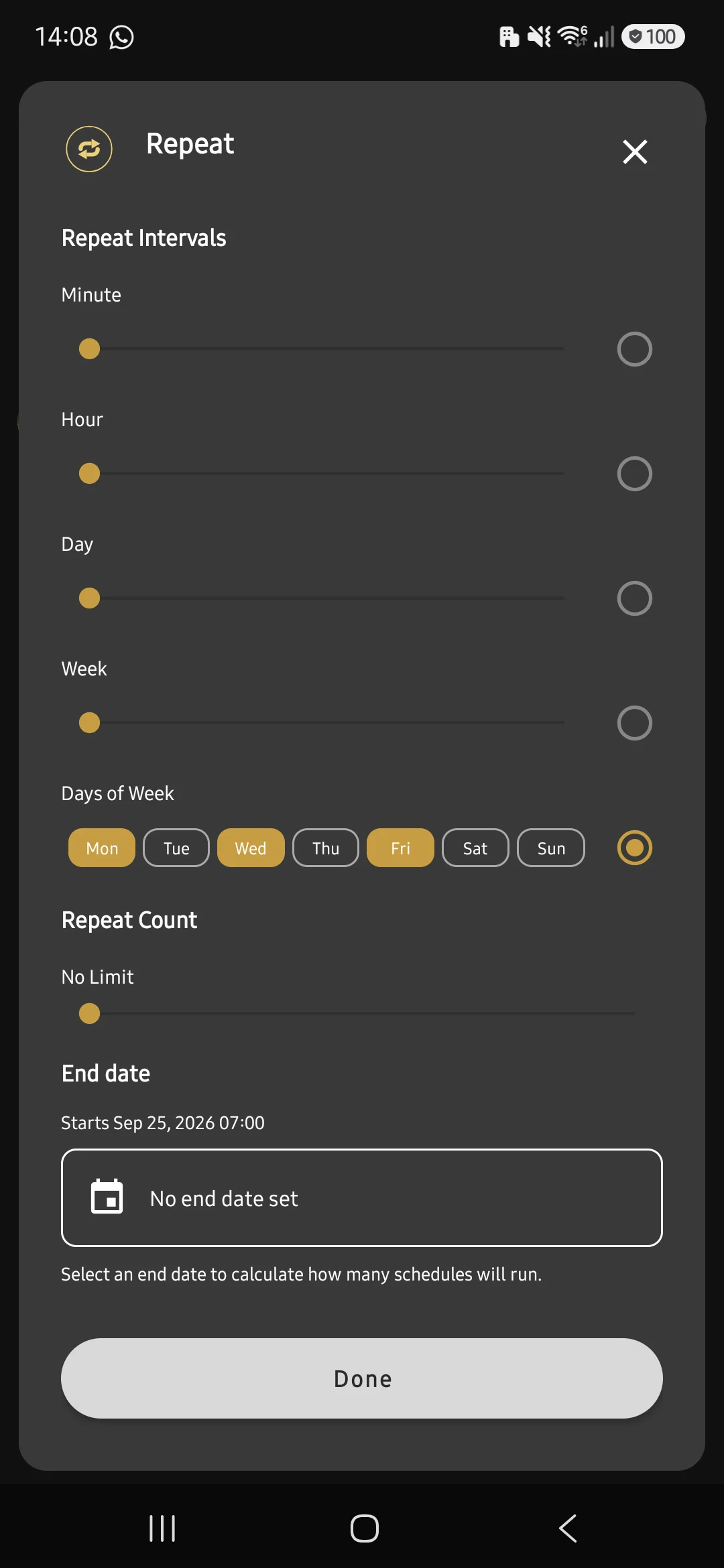
Your shift starts with a call to the attendance line. Schedule your start- and end-of-shift calls for your workdays, and save the keypad steps you use each time.

Explore saved keypad steps


Illustration of a sales professional reviewing a quote with a phone and notebook on her desk.

Sales professionals

Give every proposal a next step

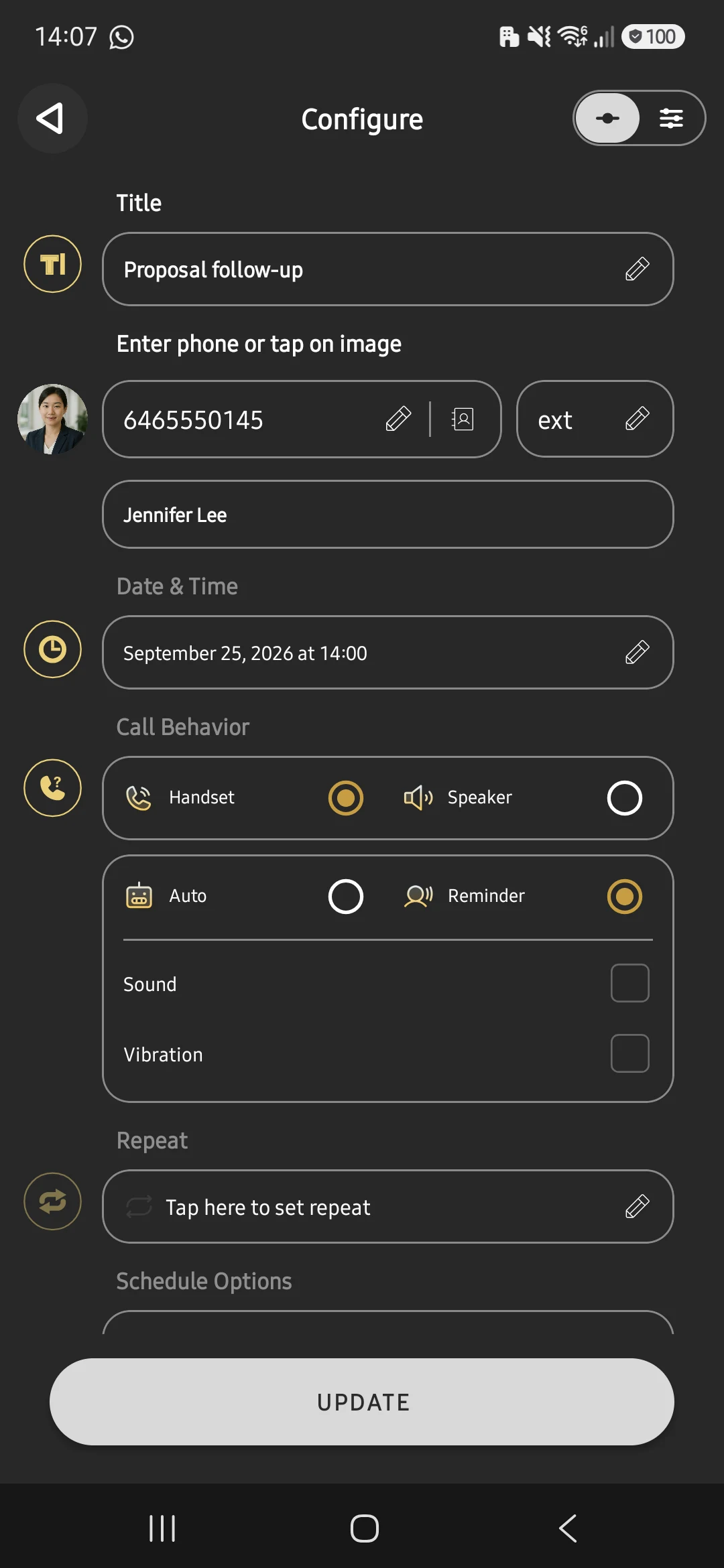
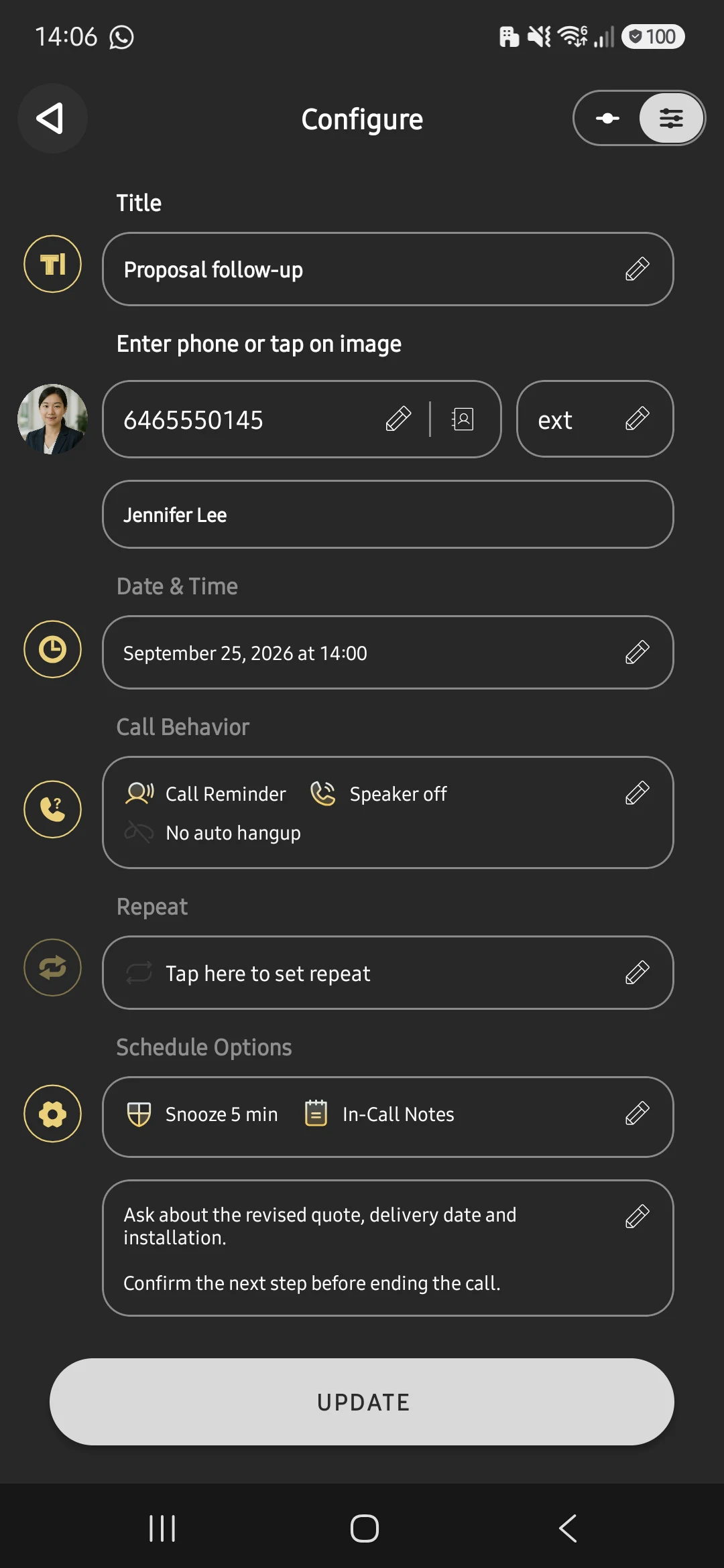
You’ve sent the quote and agreed to talk on Friday. Schedule the follow-up and note the customer’s questions, so the next conversation starts with the details at hand.

Keep the context with call notes
Illustration of a technician reviewing a job sheet at a workbench with a phone and tools nearby.

Field service professionals

Sort out the details before you arrive

Tomorrow’s job needs access instructions. Schedule a call to the customer before the visit, with a note to confirm the entrance, parking, and who will meet you.

Explore call reminders
Illustration of a jewelry retailer preparing a customer call beside an order envelope at her shop.

Independent retailers

Keep payment follow-ups personal

A customer has agreed to discuss a remaining payment next week. Schedule the call and add a note about the arrangement, ready for a personal conversation between shop-floor tasks.

Explore scheduled calls
02 / A closer look

The tools behind your next call

Choose a tool. See how it fits your next call.

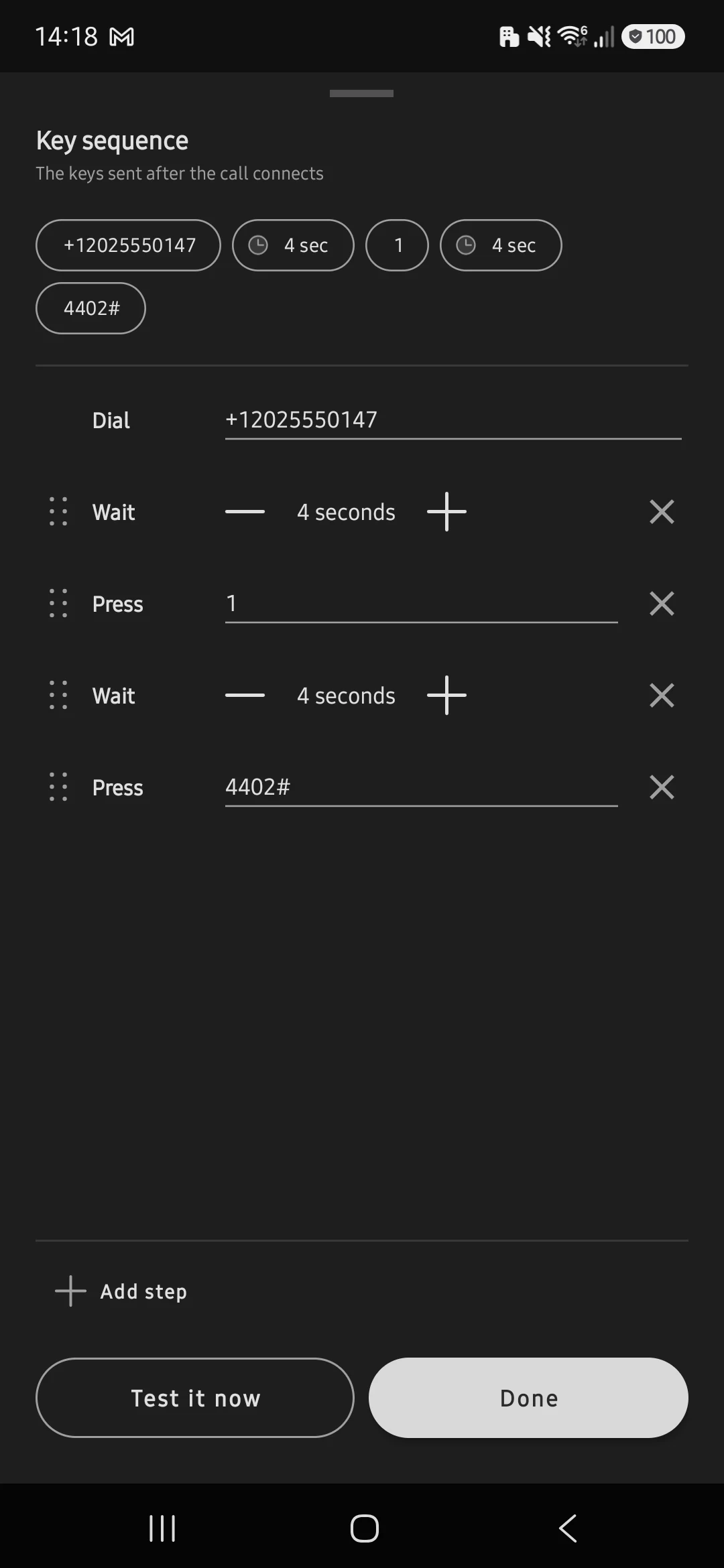
Saved keypad steps

Save keys and pauses for phone menus.

Example: call, wait, press 1, send your code.

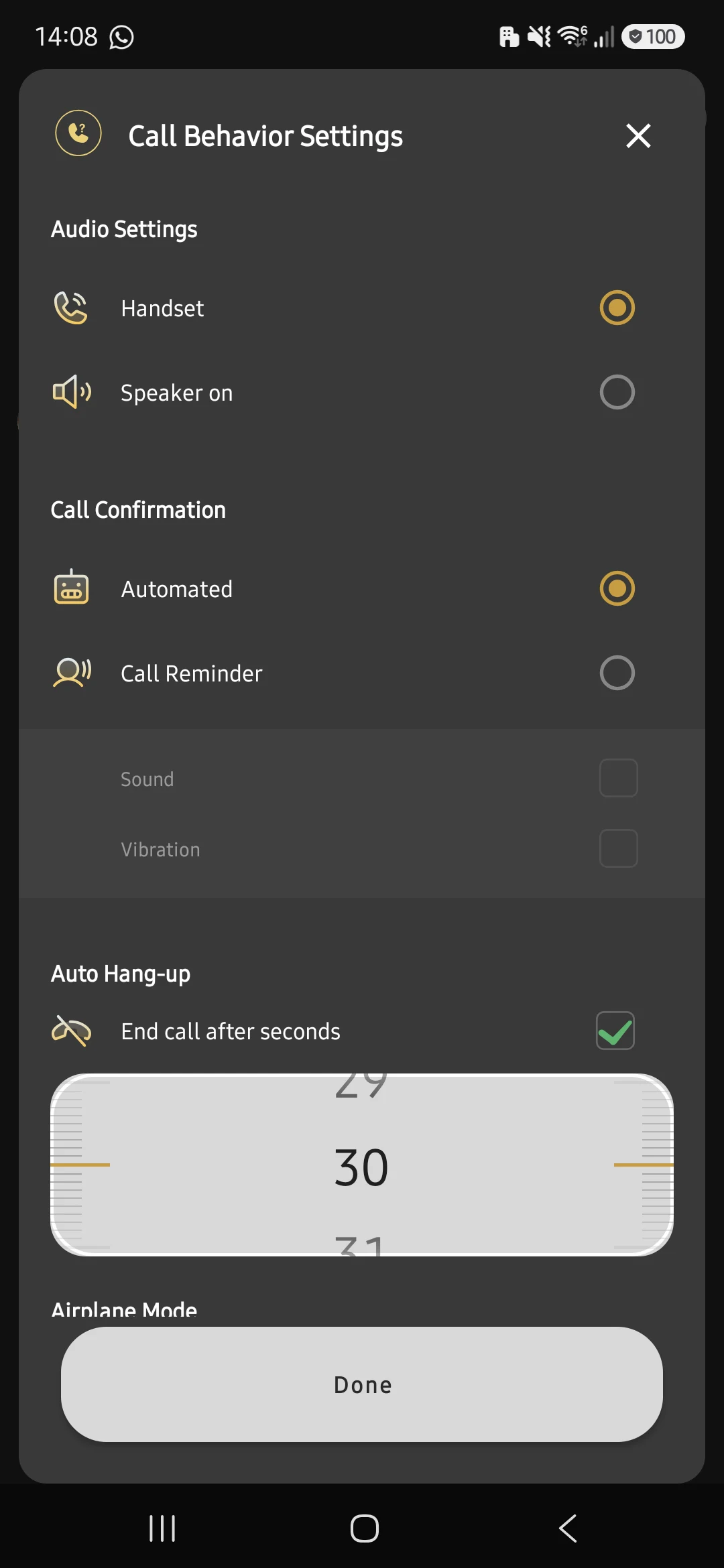
Key sequence: dial, wait four seconds, press 1, wait four seconds, enter 4402#View full screenshot ↗

Call conflict protection

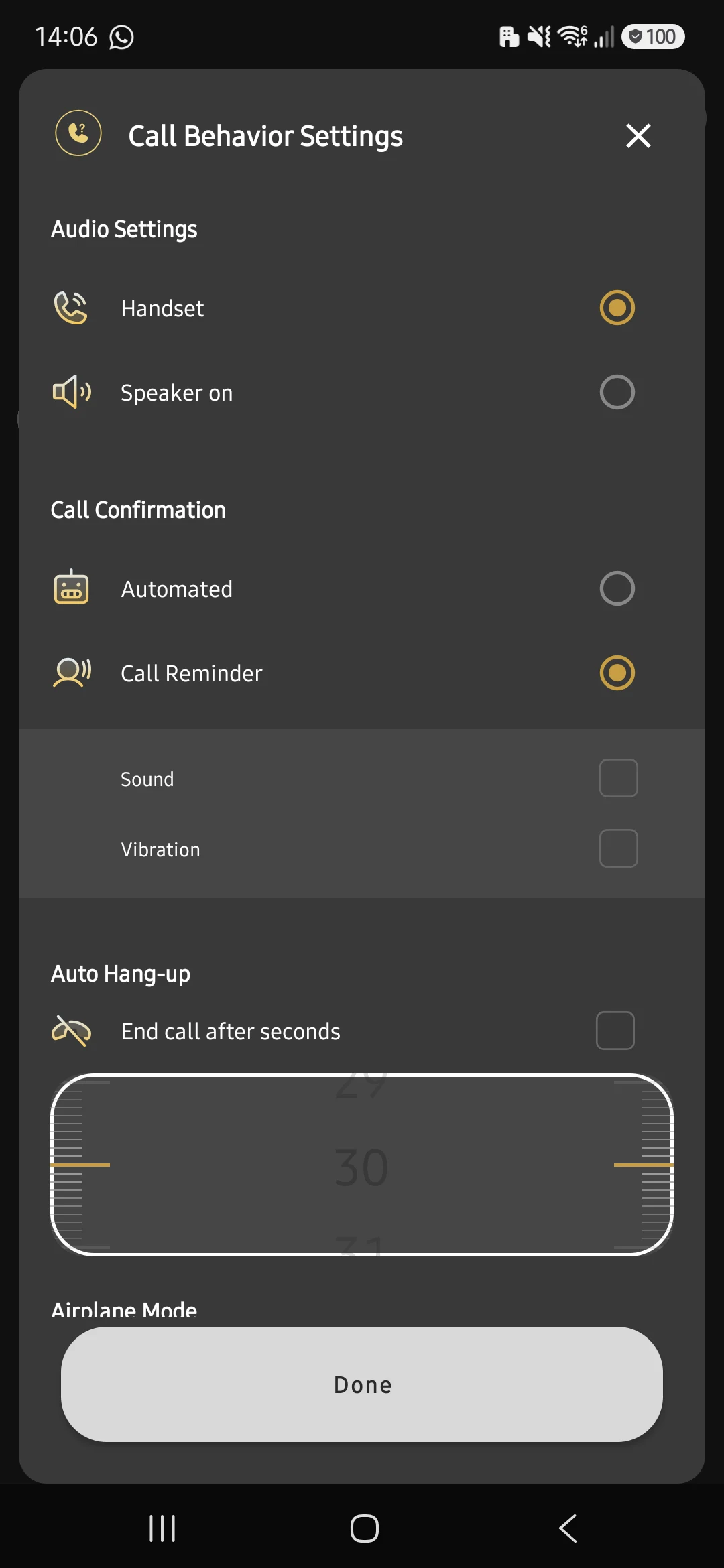
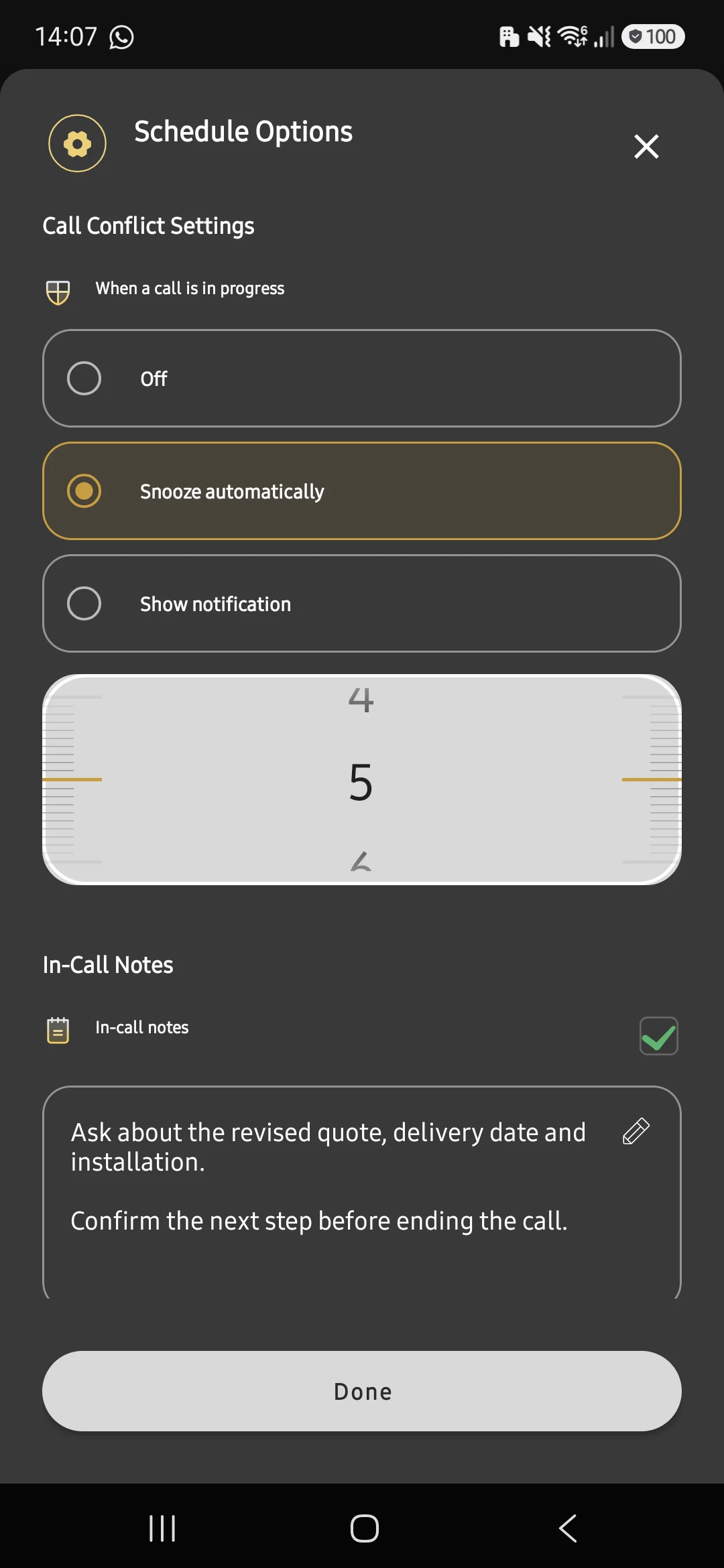
Choose what happens when calls overlap.

Example: a conversation runs over.

Call conflict protection set to snooze automatically for five minutesView full screenshot ↗

Read the setup guides

User reviews

Their calls. Their words.

What people say about Auto Call Scheduler.

4.4/ 5 2200+ reviews on Google Play Read the reviews
“Simple, effective, and exactly what I needed to stay organized with client communications.”
Victor K.Google Play reviewPortrait: AI illustration
“Simply Fantastic”
Mohammed F.Google Play reviewPortrait: AI illustration
“It does what it was designed to do, even with the phone locked. You can set the date and time, and the call starts. Quite simple and intuitive.”
Andrea B.Google Play review · Translated from ItalianPortrait: AI illustration
03 / Your first call

A small plan.
A useful habit.

  1. Choose who and when

    Add a contact or number and a time. Include a note about what you want to discuss.

  2. Decide how to dial

    Choose automatic dialing, or a reminder so you can confirm before the call.

  3. Check your setup

    Allow the required permissions and try a call on your phone. Test saved keypad steps with the line you use.

Built for your Android phone. Calls use your phone’s dialer. Permissions and background settings help schedules run while your phone is idle.

Read the setup guide
04 / Find your fit

Start free. Make it a routine.

One follow-up or a full working week. Choose what fits your day.

The AI Assistant has the same core capability on every plan. Pro includes monthly credits; Enterprise packages can be tailored to your rollout.

Pro payments are handled by Paddle, our authorized reseller and merchant of record. Cancel anytime. See our refund policy and terms.

Which call will you plan first?

A Friday follow-up, tomorrow’s visit, or your next shift. Start with one call on your Android phone.

Download Free Now